Mini Projector Android TV 11 WiFi 6 Bluetooth 5.2 720P Native 4K Supported 180 Rotation Portable Home Theater
White / 100V-240V EU Plug
$149.99
Sale price
$149.99
Regular price
$199.99
Skip to product information


Mini Projector Android TV 11 WiFi 6 Bluetooth 5.2 720P Native 4K Supported 180 Rotation Portable Home Theater
$149.99
Sale price
$149.99
Regular price
$199.99
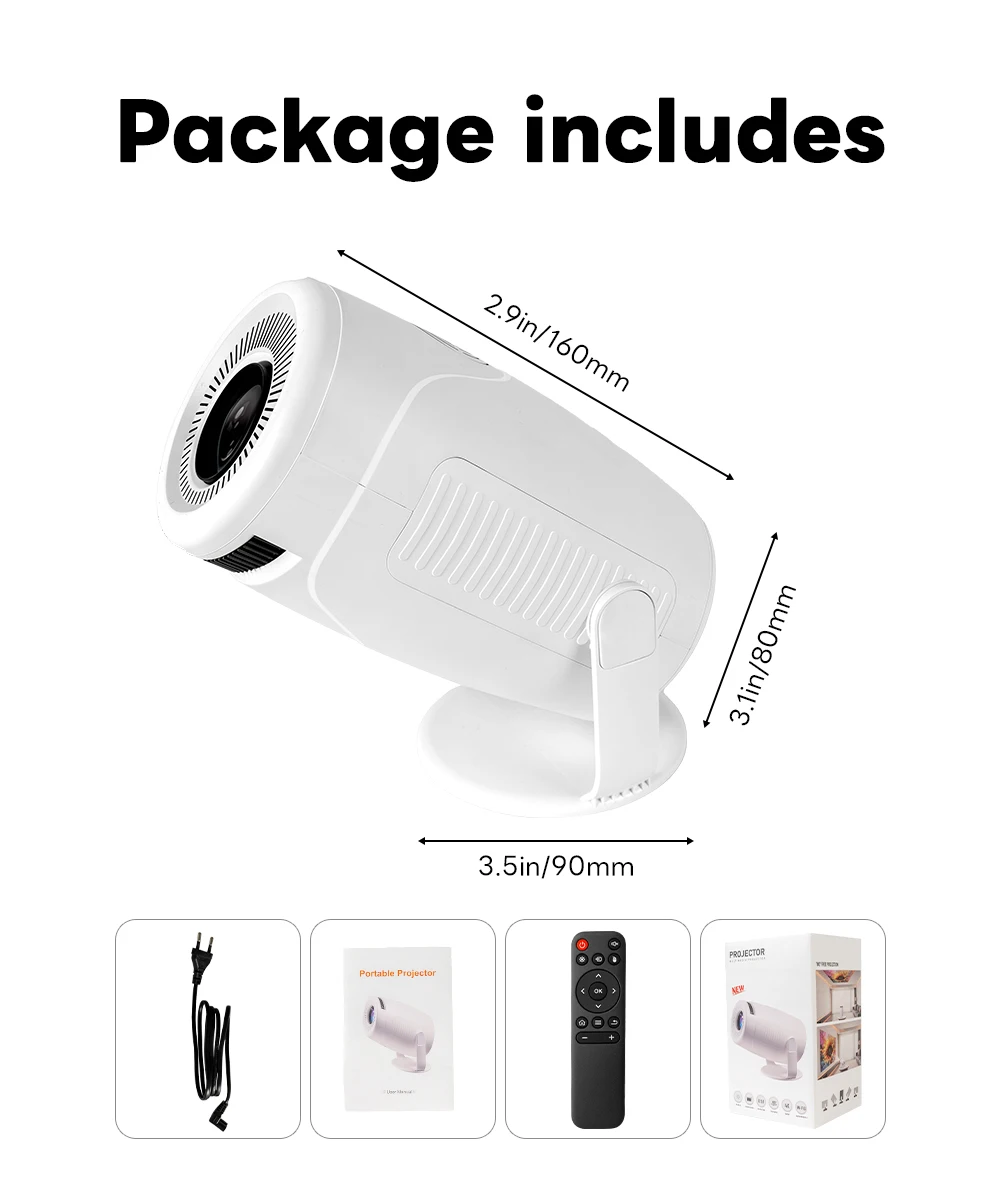
SPECIFICATIONS
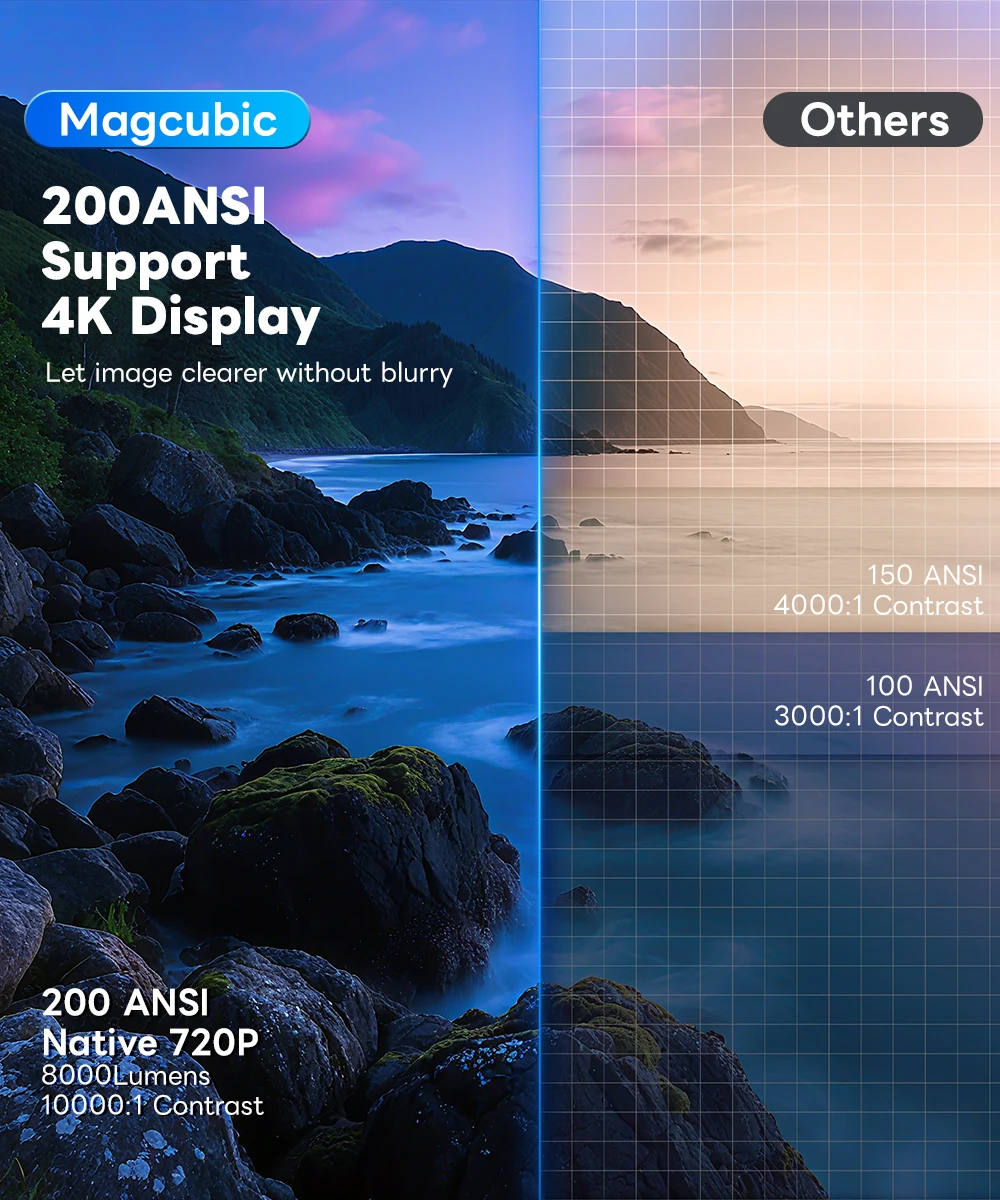
Ansi Lumens: 200
Battery: no
Bluetooth-compatible: Yes
Brand Name: NONE
Brightness: 8000Lumens
Built-in Speaker: Yes
Category: Projectors
Certification: CE,FCC,RoHS
Choice: yes
Contrast Ratio: 10000:1
Display Size: ≤13.5
Function: Video Playback,Others
High-concerned chemical: None
Home Theater Projector: yes
Inbox adaptor: Yes
Input/Output: 3.5mm Earphone Out,HDMI,POWER,USB
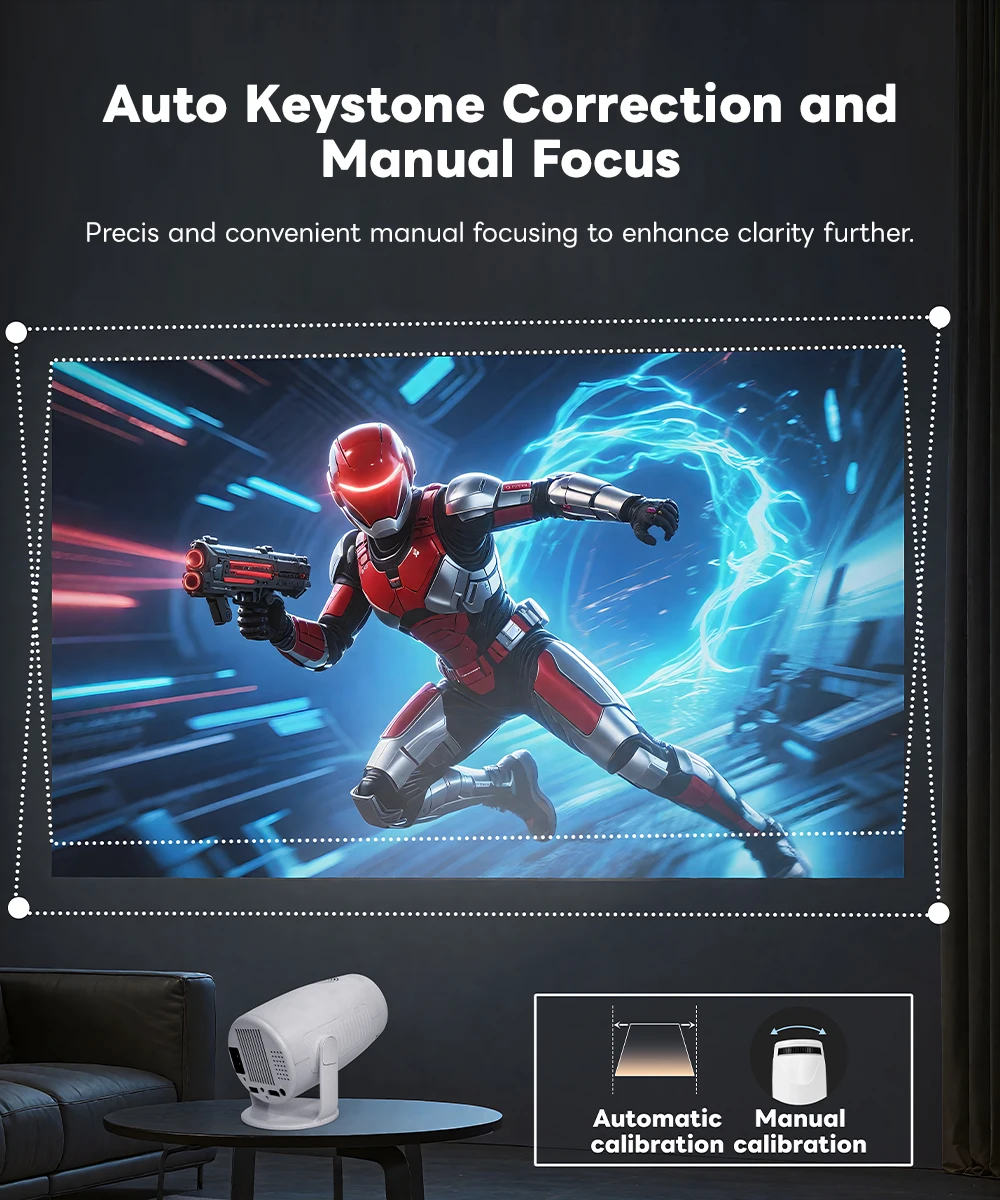
Keystone Correction: Auto Correction
Light Source: LED
Optical Resolution: 1280x720dpi
Origin: Mainland China
Portable: Yes
Power (W): 60
Power Source: Ac,Ac
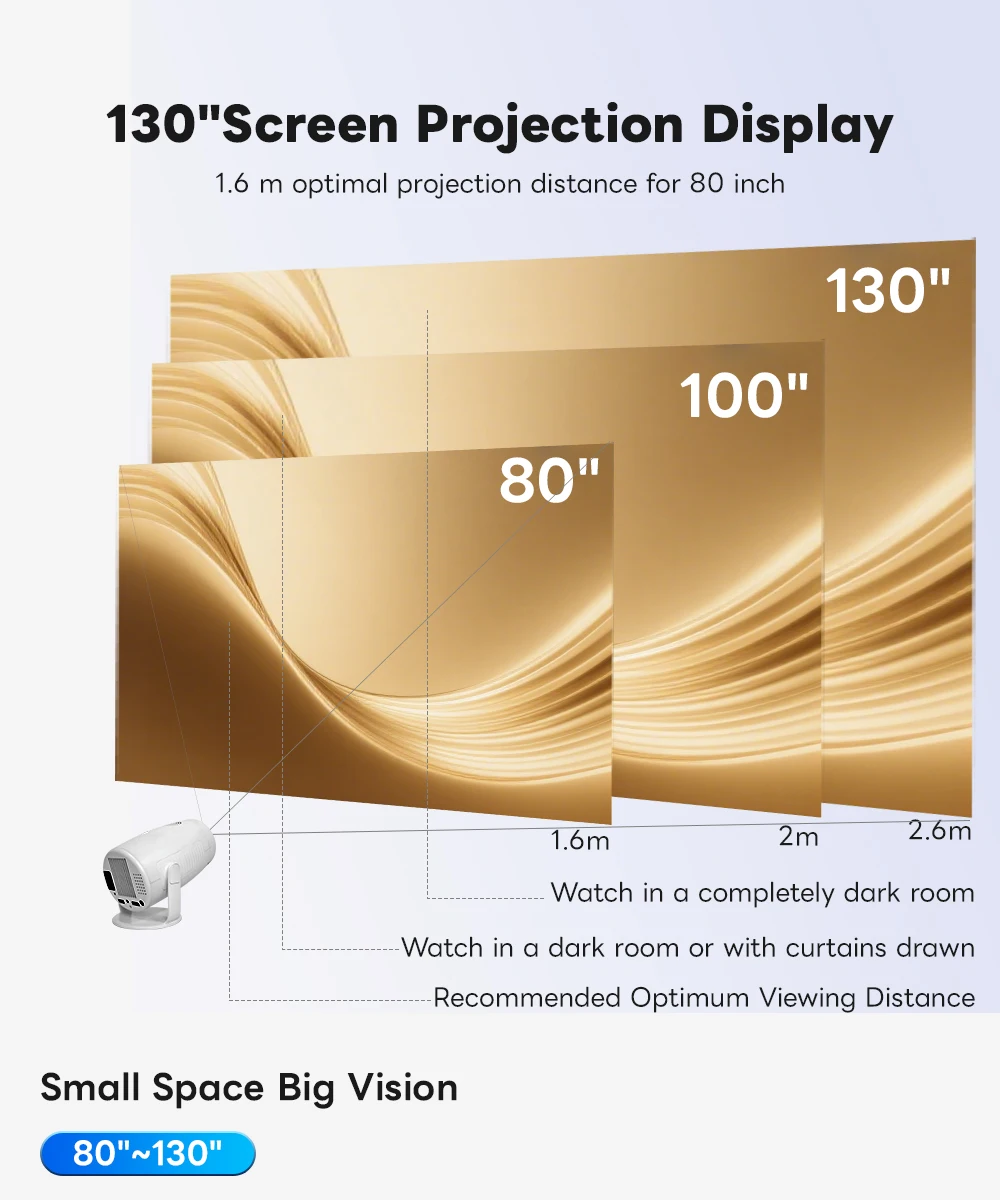
Projected Dimension: 40-120 inches
Projection Distance: 1.68M-2.34M
Projection Technology: LCD
Projective Mode: Throwing,Ceiling,Back Projection,Mirror Image
Remote controller included: Yes
Screen Scale: 4:3/16:9
Structure: Without display device
System: Android
Type: Mini
Use: Home
Voltage range: High voltage (50-1000V DC, 75-1000V AC)
Weight: 0.56kg
Zoom: Focus
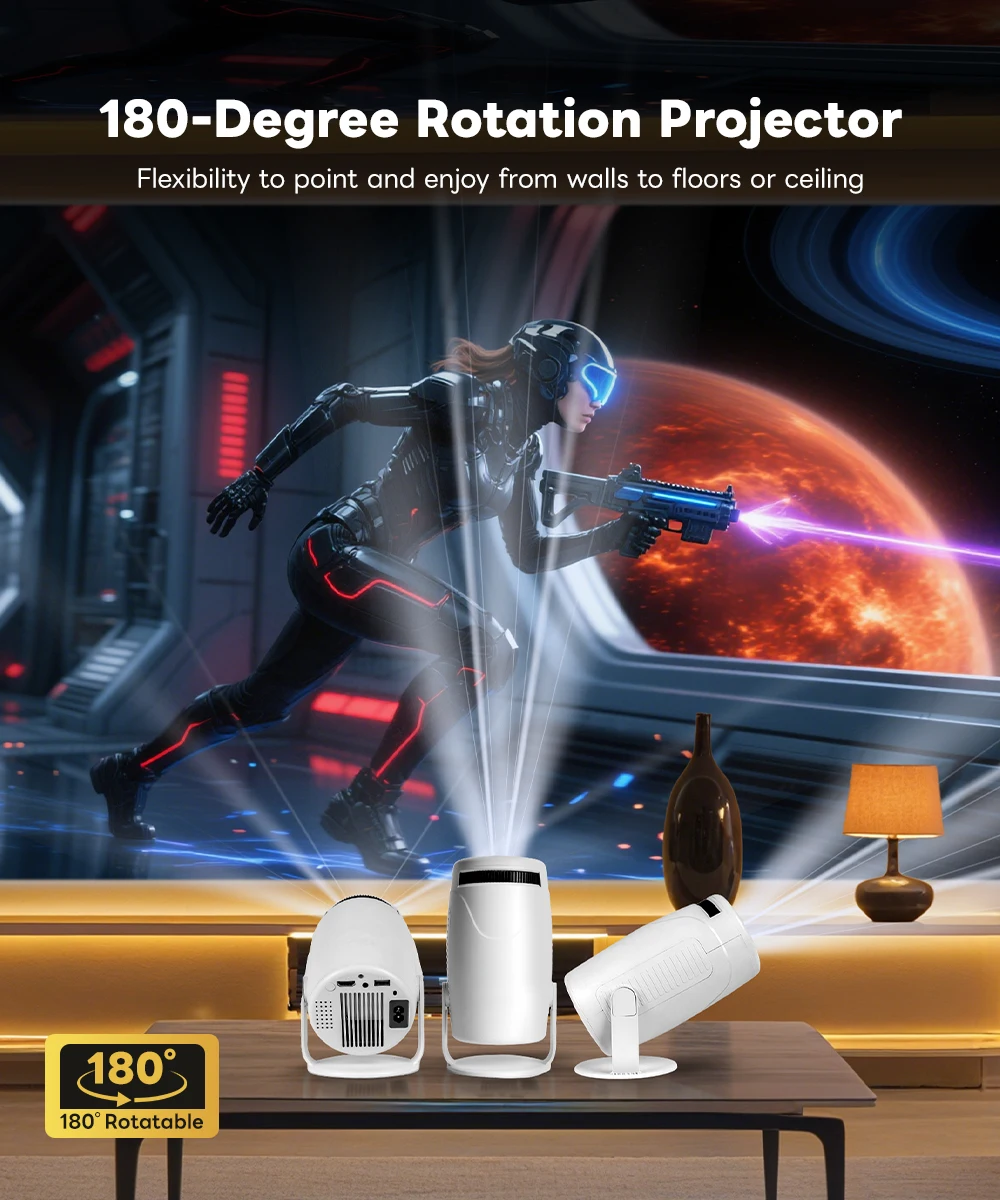
Turn Any Room into a Flexible Smart Home Theater
Enjoy movies, shows, and videos with a compact smart projector built for bedroom, living room, and travel use.
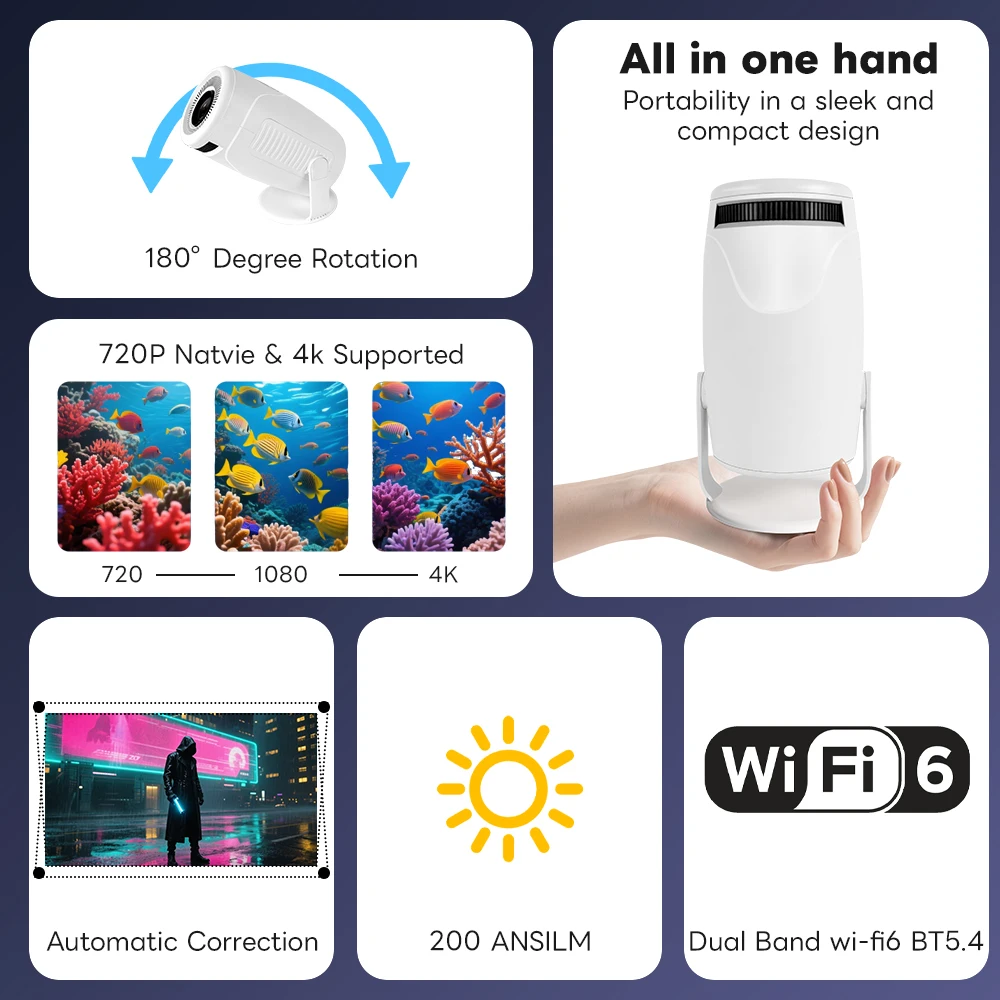
With Android TV 11, WiFi 6, Bluetooth 5.2, 180° rotation, and auto keystone correction, it helps you set up a cleaner viewing angle from table, wall, or ceiling.
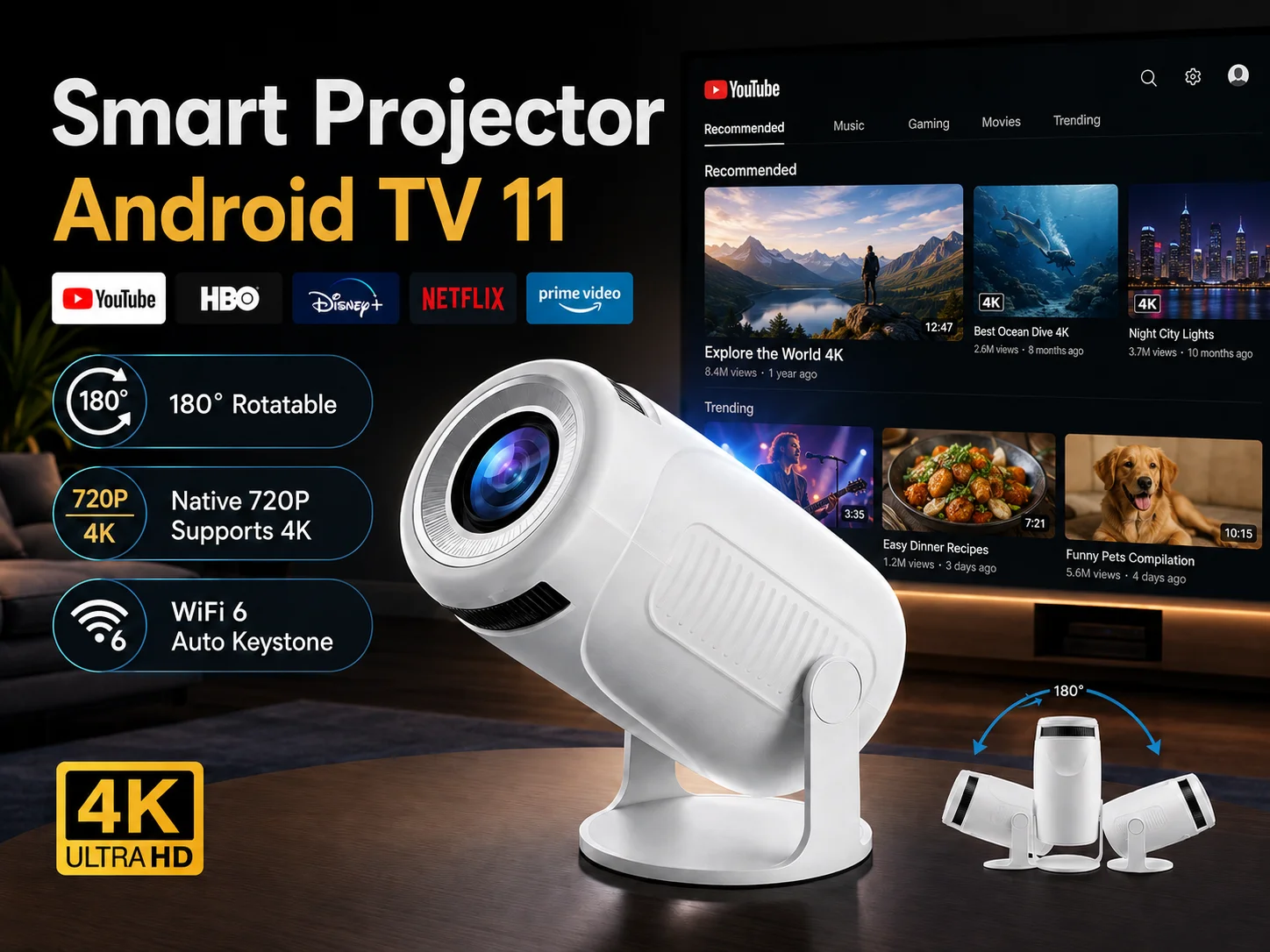
Connection Tips You Should Know
Q1: Can Chromecast work through the HDMI port?
A: No. Chromecast uses wireless casting. Please connect your Android phone or laptop and Chromecast to the same WiFi network, then use the cast function.
Q2: What is the HDMI port used for?
A: The HDMI port is for wired devices such as PS5, Nintendo Switch, laptop, TV box, or DVD player. Connect the device with an HDMI cable, then choose HDMI as the input source.
Q3: How do I connect an iPhone?
A: Please use AirPlay / Screen Mirroring. Make sure your iPhone and the projector are connected to the same WiFi network, then select the projector from Screen Mirroring.
Q4: Why is the remote control not very sensitive?
A: Please point the remote control toward the back of the projector. The remote receiver is located on the rear side of the projector.
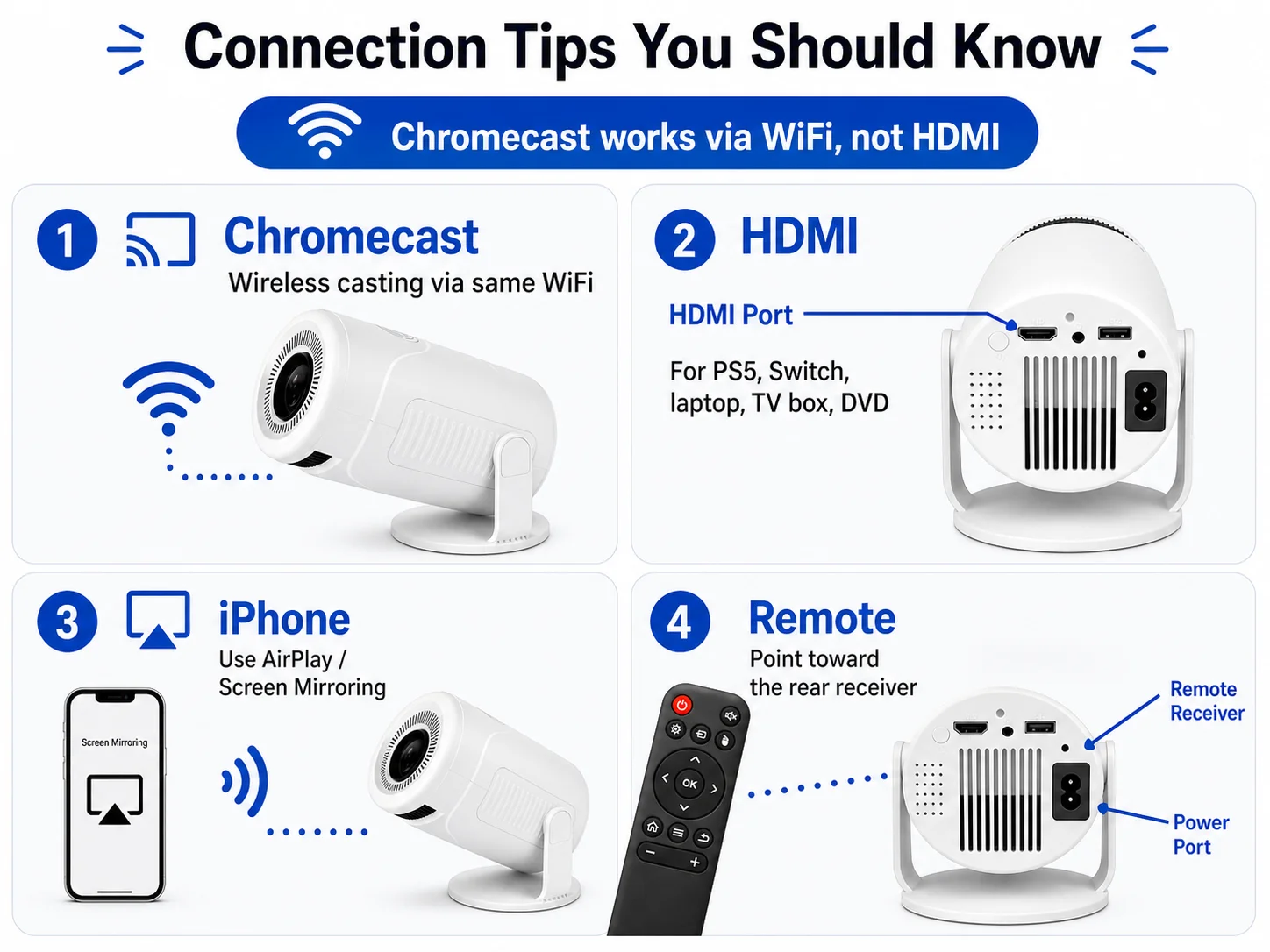 Android TV 11 Smart Entertainment
Built-in Android TV 11 gives you a smoother way to enjoy online videos, apps, movies, and shows without relying only on external devices.
180° Flexible Projection Angle
The rotatable stand lets you project onto the wall or ceiling, making it ideal for bedroom movie nights, relaxed sofa viewing, and small-space setups.
720P Native with 4K Supported Input
Native 720P resolution delivers clear daily viewing, while 4K supported input helps play higher-resolution video sources. For best results, use in dim or dark rooms.
WiFi 6 and Bluetooth 5.2 Connection
Dual-band WiFi 6 supports stable wireless streaming, while Bluetooth 5.2 makes it easier to connect compatible speakers, headphones, and audio devices.
Multiple Ports for More Devices
HDMI, USB, and audio jack ports make it convenient to connect TV sticks, laptops, game consoles, USB drives, speakers, and other home entertainment devices.